Kanto SaaS Pro
Write your product. The SaaS around it is done.
Accounts, teams, plans and billing, an admin panel, messages, an API — in Nuxt, on Kanto, wired to the database and the providers you choose in one command. You, or your AI agent, write only what makes your product yours.
One payment: the private repository and its updates, for good. Nuxt, TypeScript, Kanto.
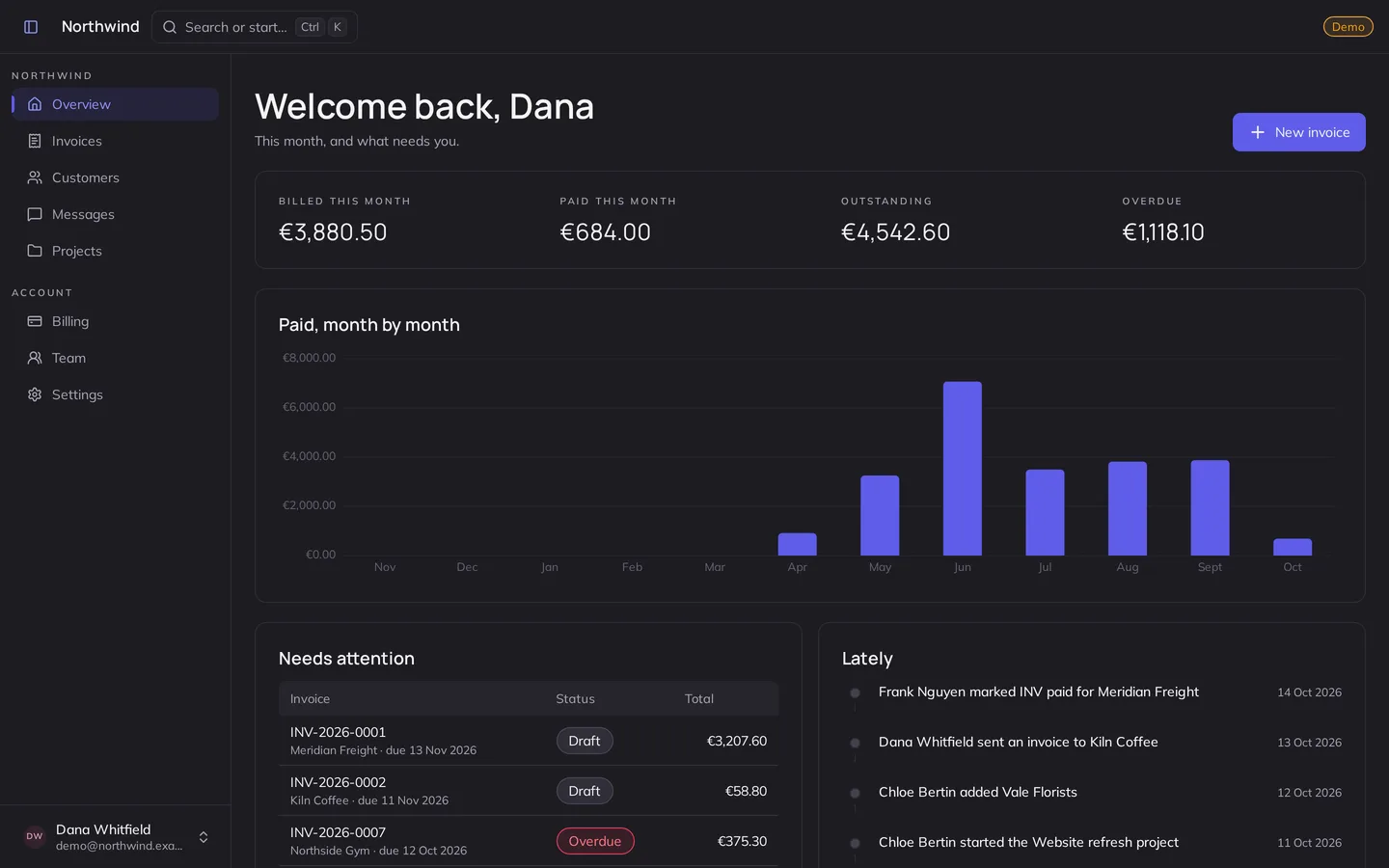
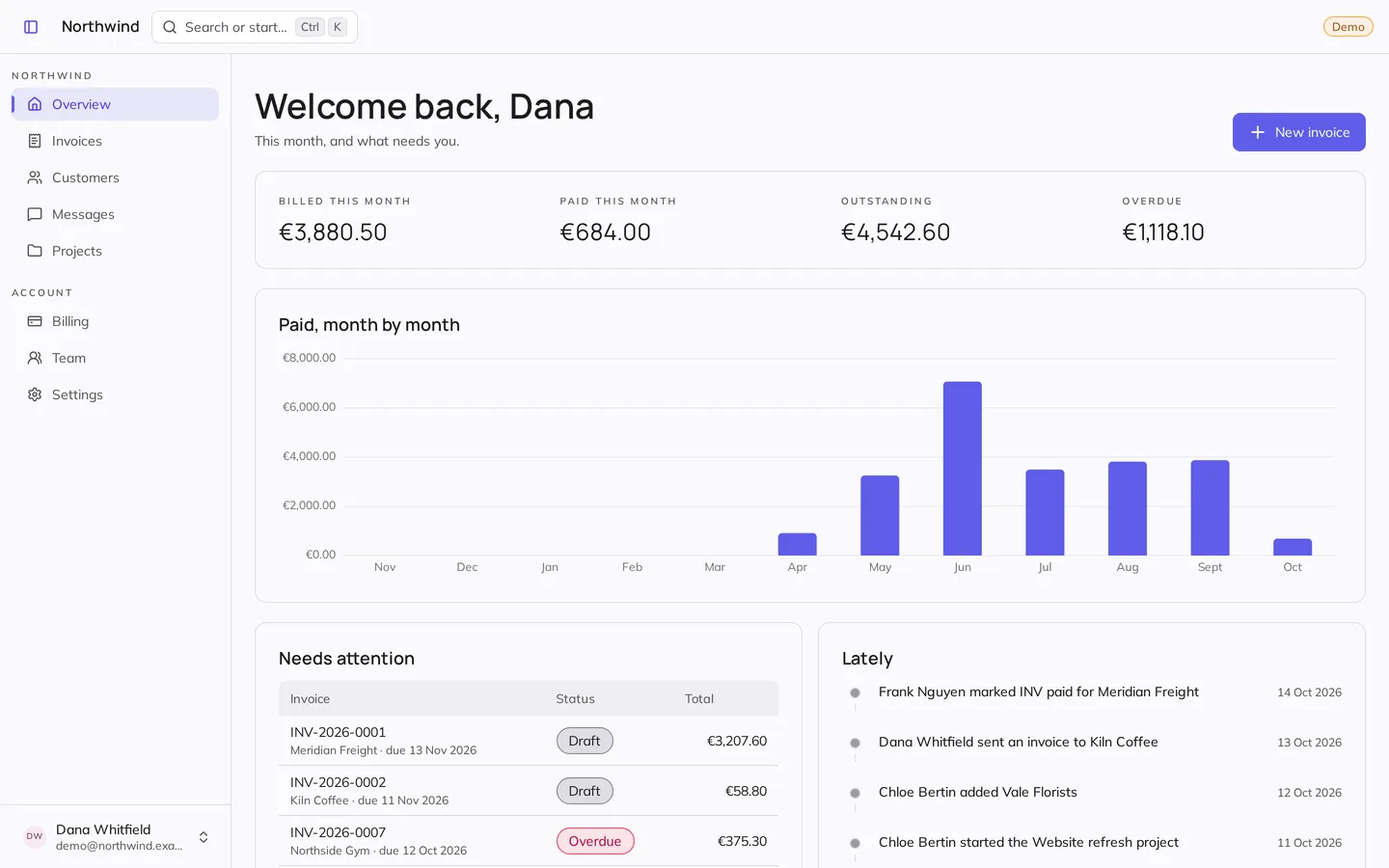
Three parts, and you write one
Your users use the first two; you run the SaaS from the third. All three are built and tested — the first is where your product goes.
-
Your product
Your users ·
/appWhat your users pay for. Northwind’s invoicing in the demo; yours in your copy.
You write it Try it as a customer -
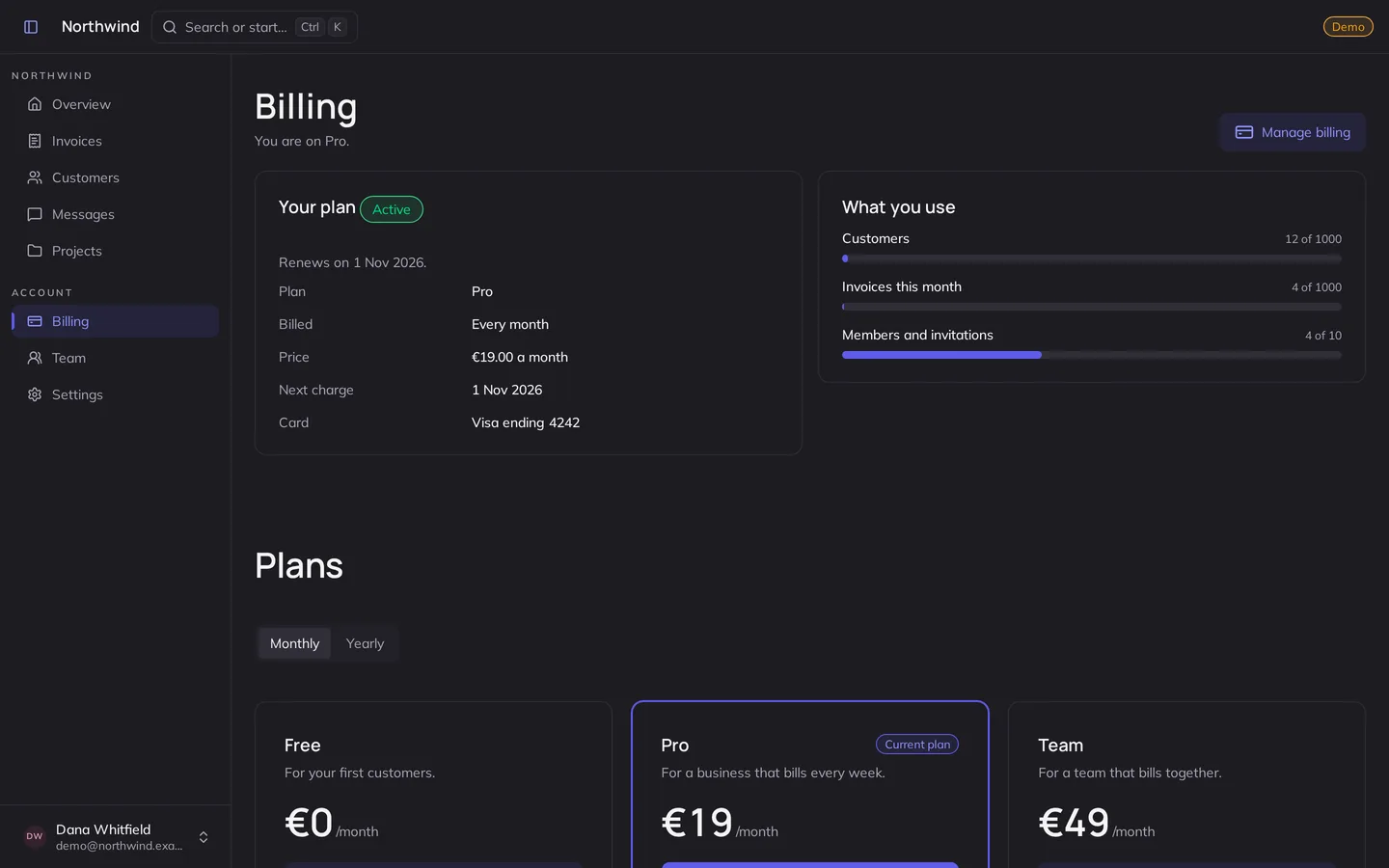
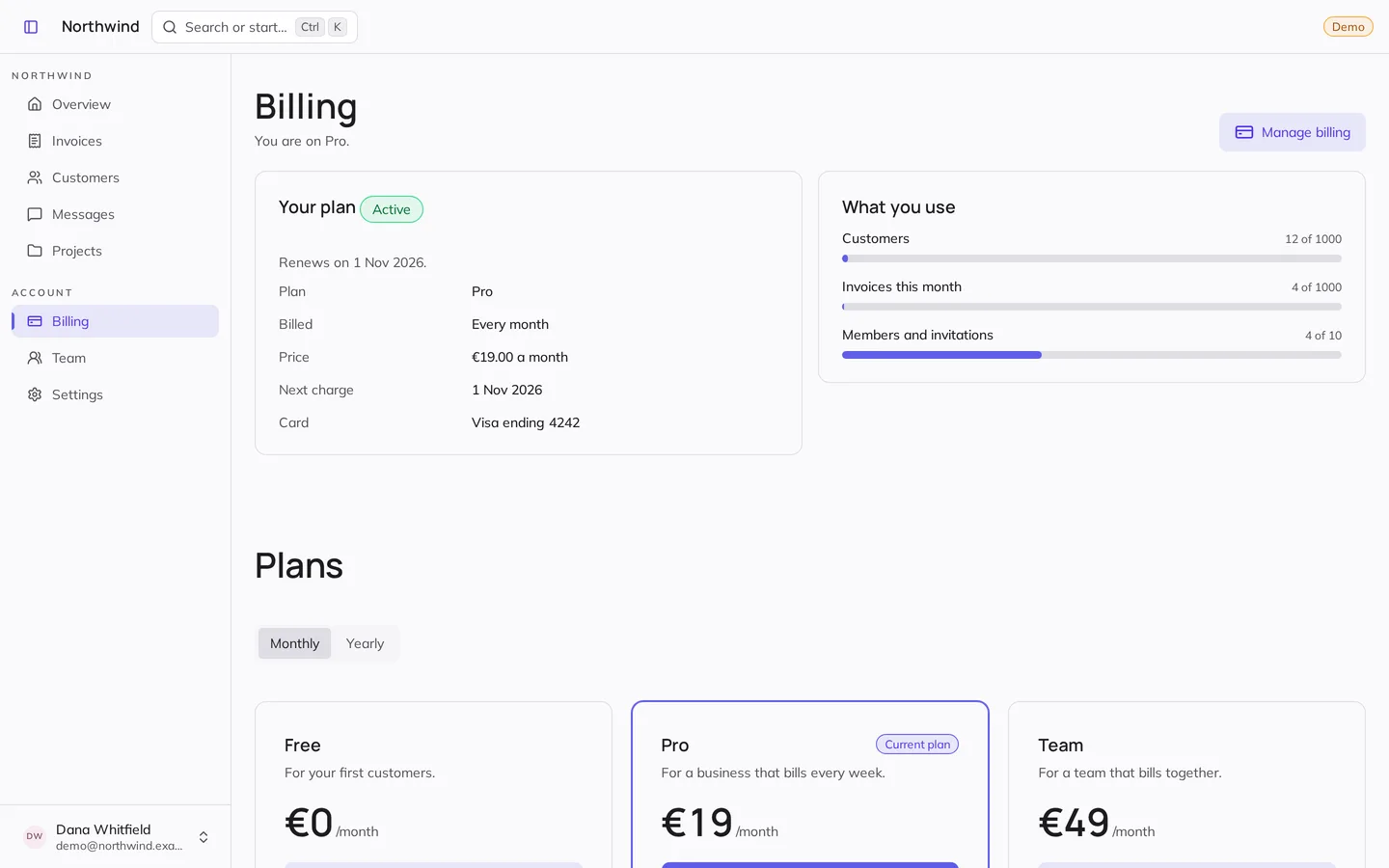
Account
Your users ·
/accountTheir plan and payments, their team and its roles, their settings and API keys.
Done Try it as a customer -
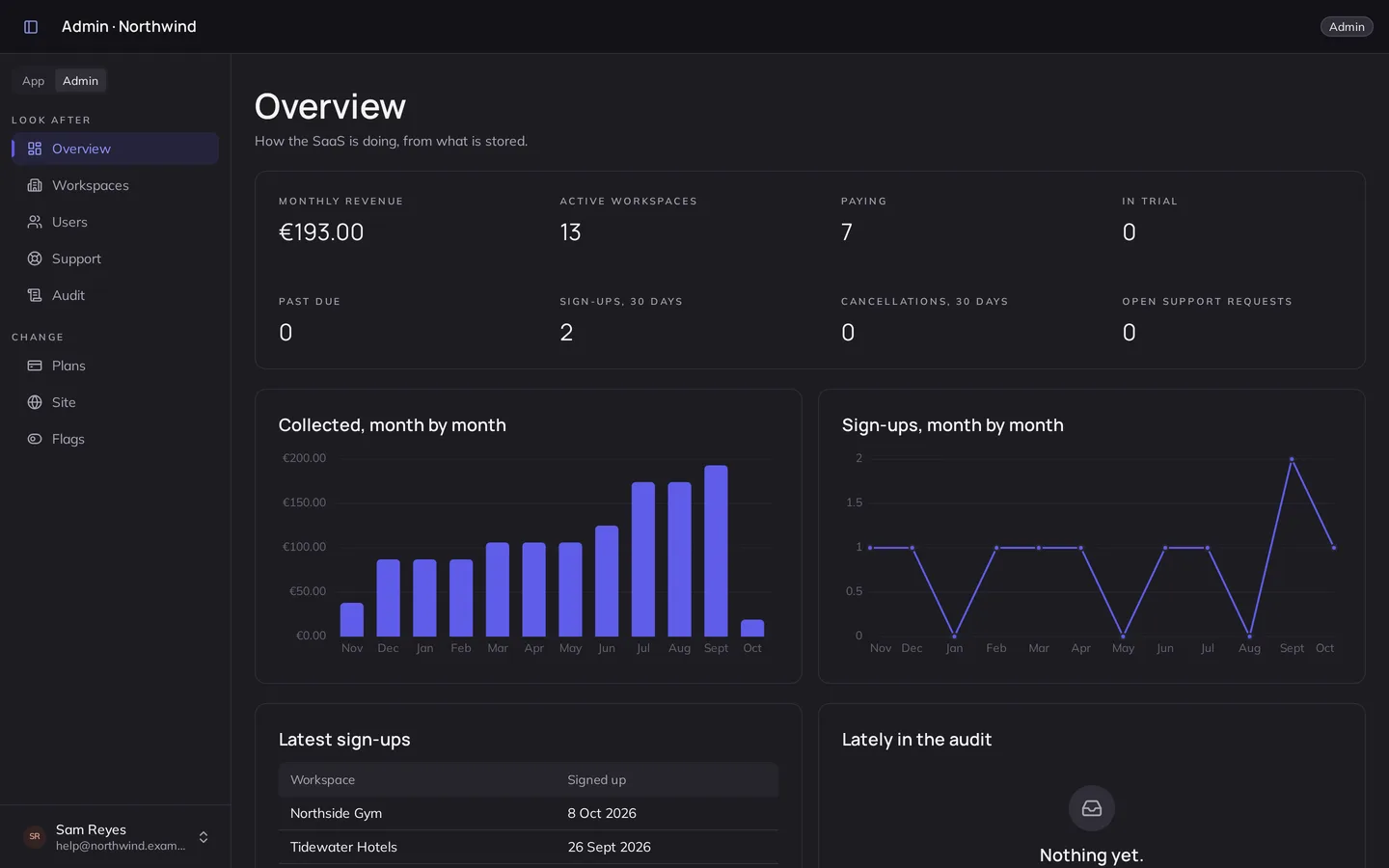
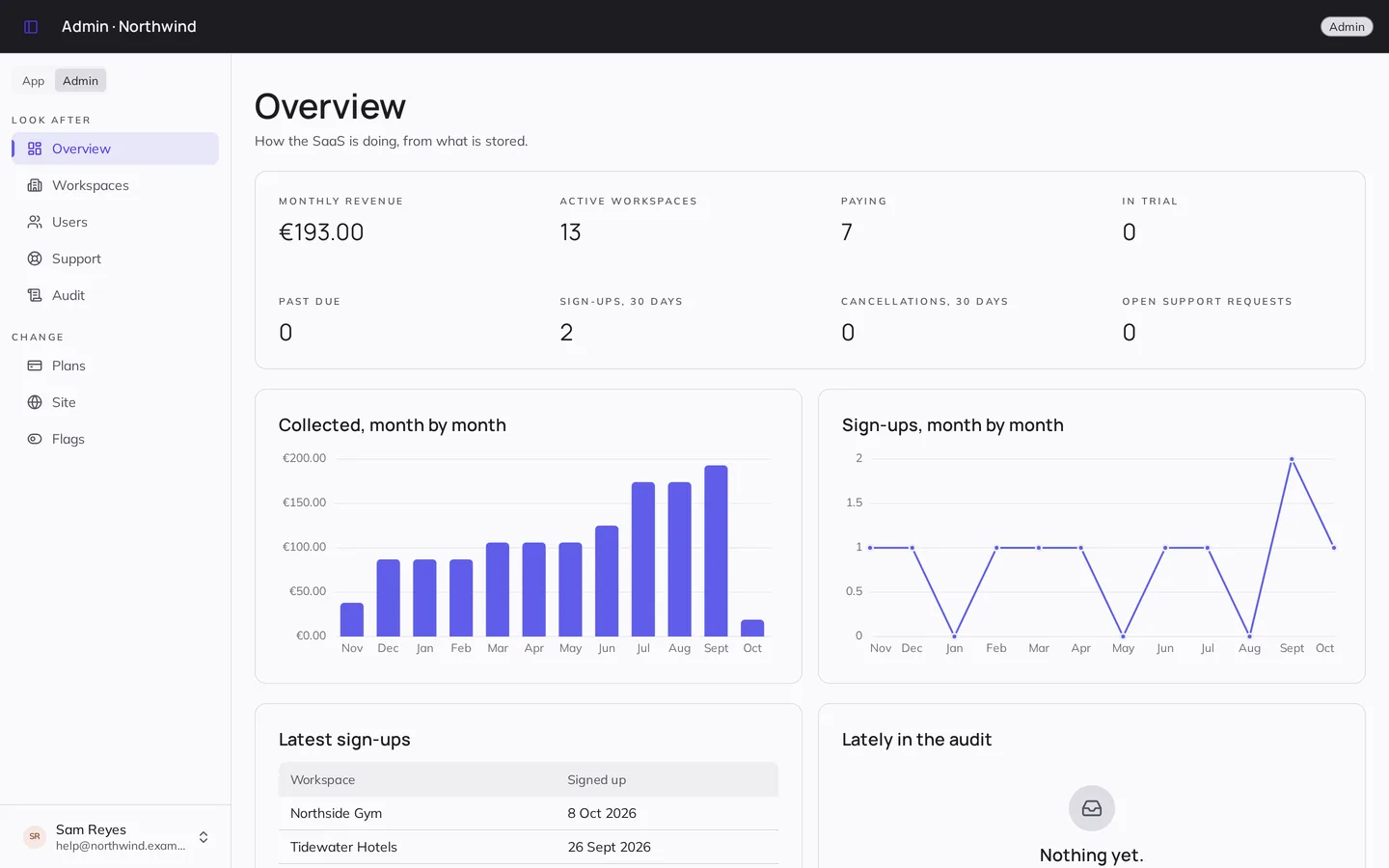
Admin
You and your staff ·
/adminRevenue, sign-ups, workspaces, support, plans, the landing and its flags.
Done Try it as the creator
Done before you write a line
-
Accounts
Passwords, magic links, two-factor, confirmed addresses, and sign-in with Google or GitHub.
-
Workspaces and roles
Invitations, owners, admins, members and viewers — enforced on the server, hidden in the app.
-
Plans and billing
Stripe or Lemon Squeezy: trials, limits per plan, failed payments and their grace, taxes, receipts.
-
An admin panel
Revenue and sign-ups, signing in as someone with an audit, plans, the landing, flags and announcements.
-
Messages and support
Live team threads with files and mentions, and a support inbox your staff answer from.
-
An API
Keys with scopes, and an endpoint for every resource you declare.
-
Your database
SQLite (a file or Turso), Postgres (Neon, Supabase) or MongoDB — the same code on each.
-
A landing and legal pages
Prerendered for search engines, its words editable from the panel without a deploy.
Your stack, in one command
npm run setup asks for your product's name and brand, a blank page or the
example product, your database, your accounts and sign-in providers, your mail and your
payments. It keeps only what you chose — code, packages, guides — writes your
configuration and your secrets, and starts a fresh history.
What is left is yours
A list of records is one declaration: its table, permissions, plan limits, API and screens follow. Anything else is a service, a route and a page, the way the platform writes its own.
AGENTS.md gives Claude Code, Cursor or Codex the map, the rules and the
checks; the guide walks a person through the same, with a worked example.
Add clips: a member uploads a video, trims it, and the team sees the result. Free allows three.
Every screen, already there
Northwind, the example product, as the live demo runs it.
-
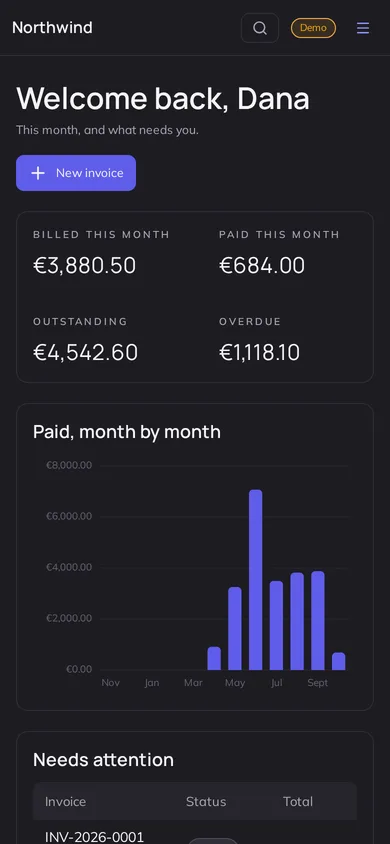
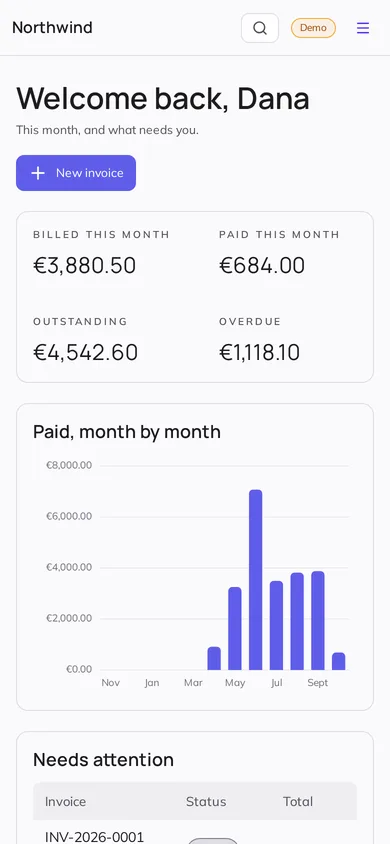 The workspace, on a phone
-
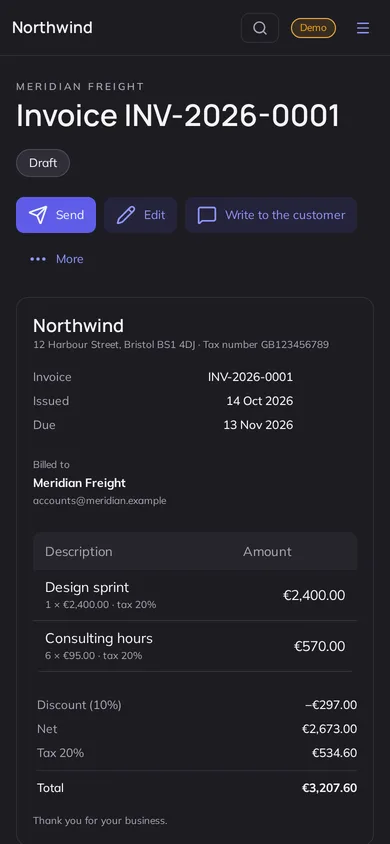
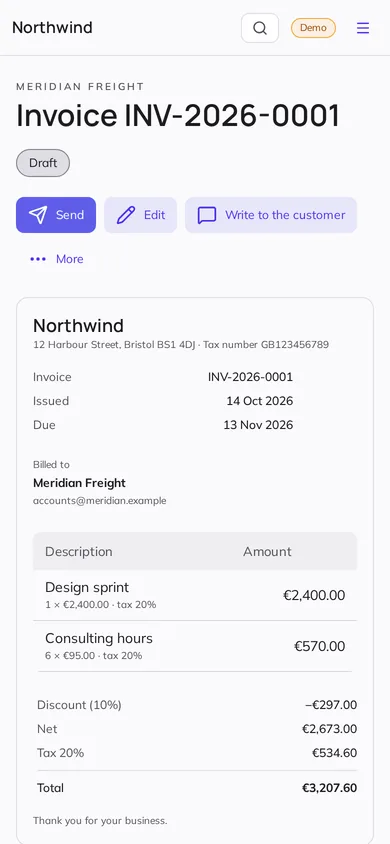 An invoice, on a phone
-
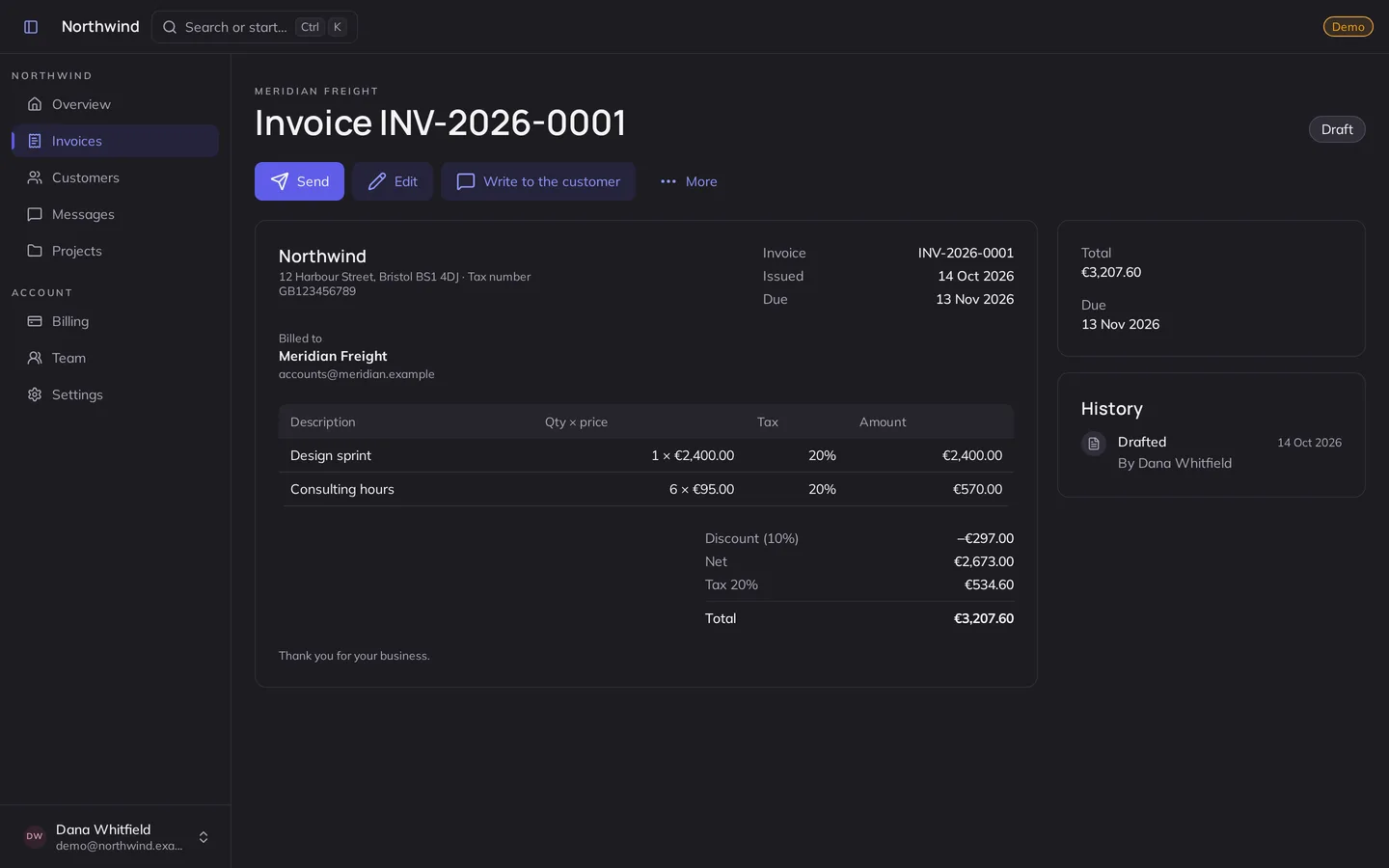
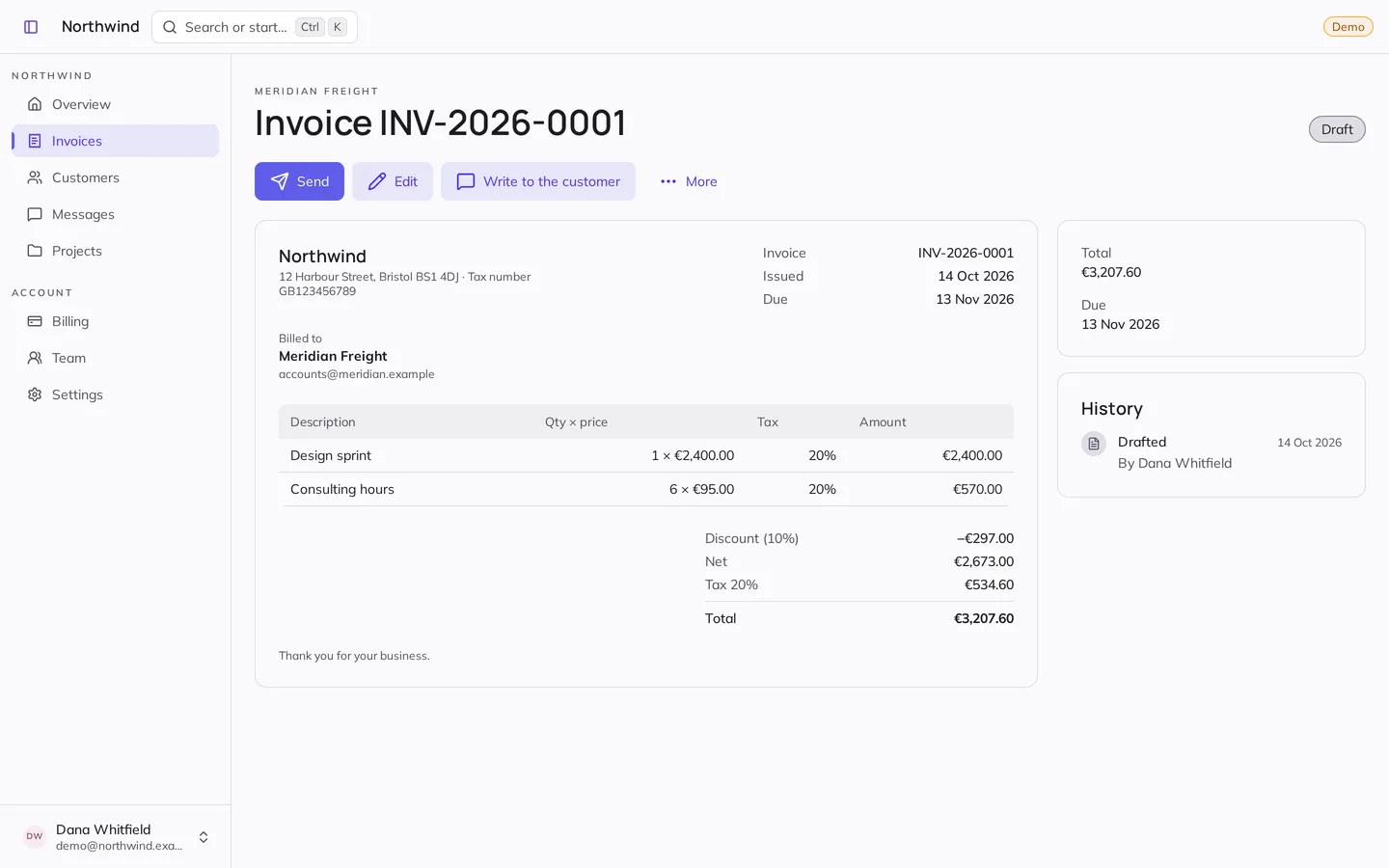 An invoice, as the customer receives it
-
Plans, trials, receipts
-
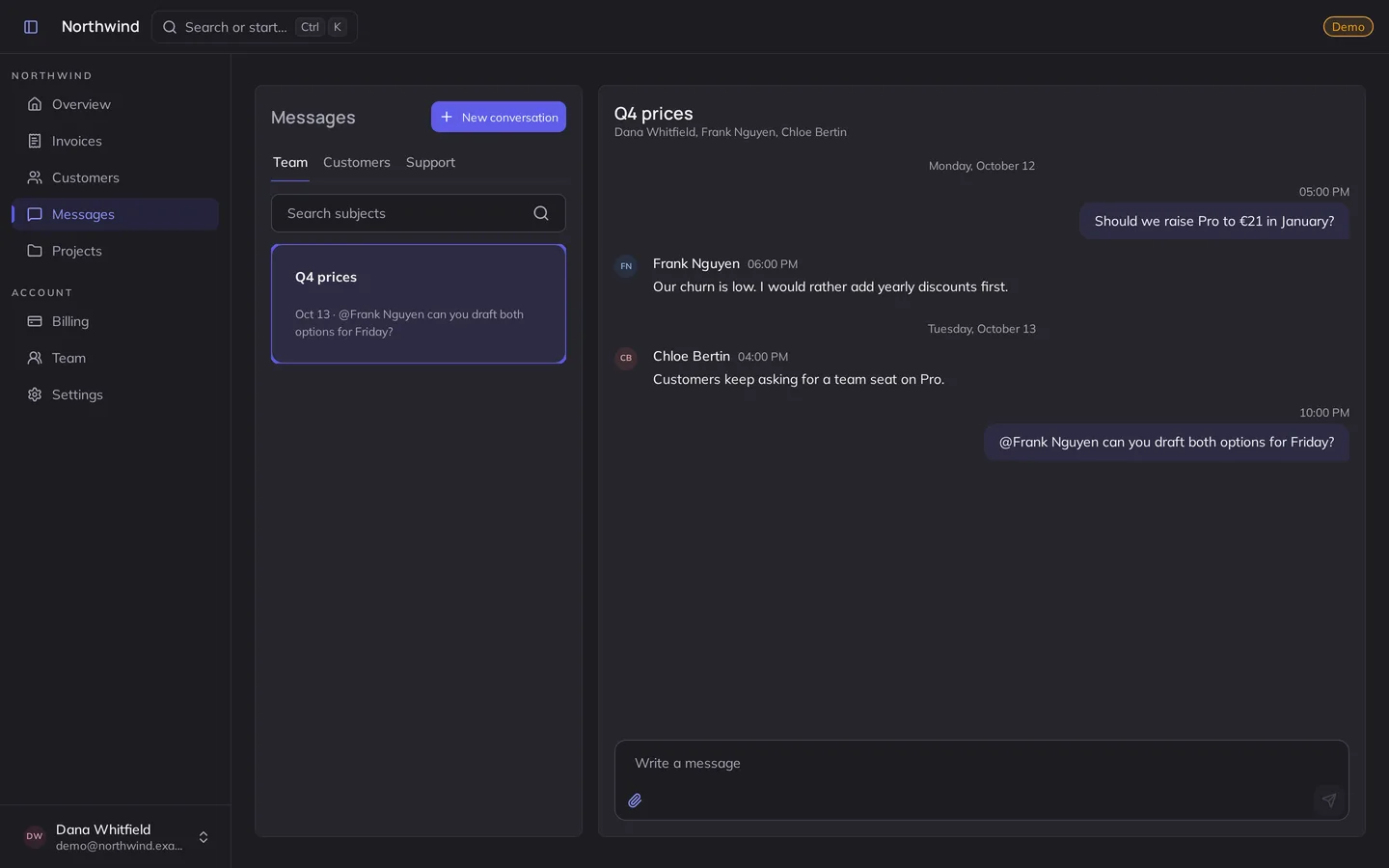
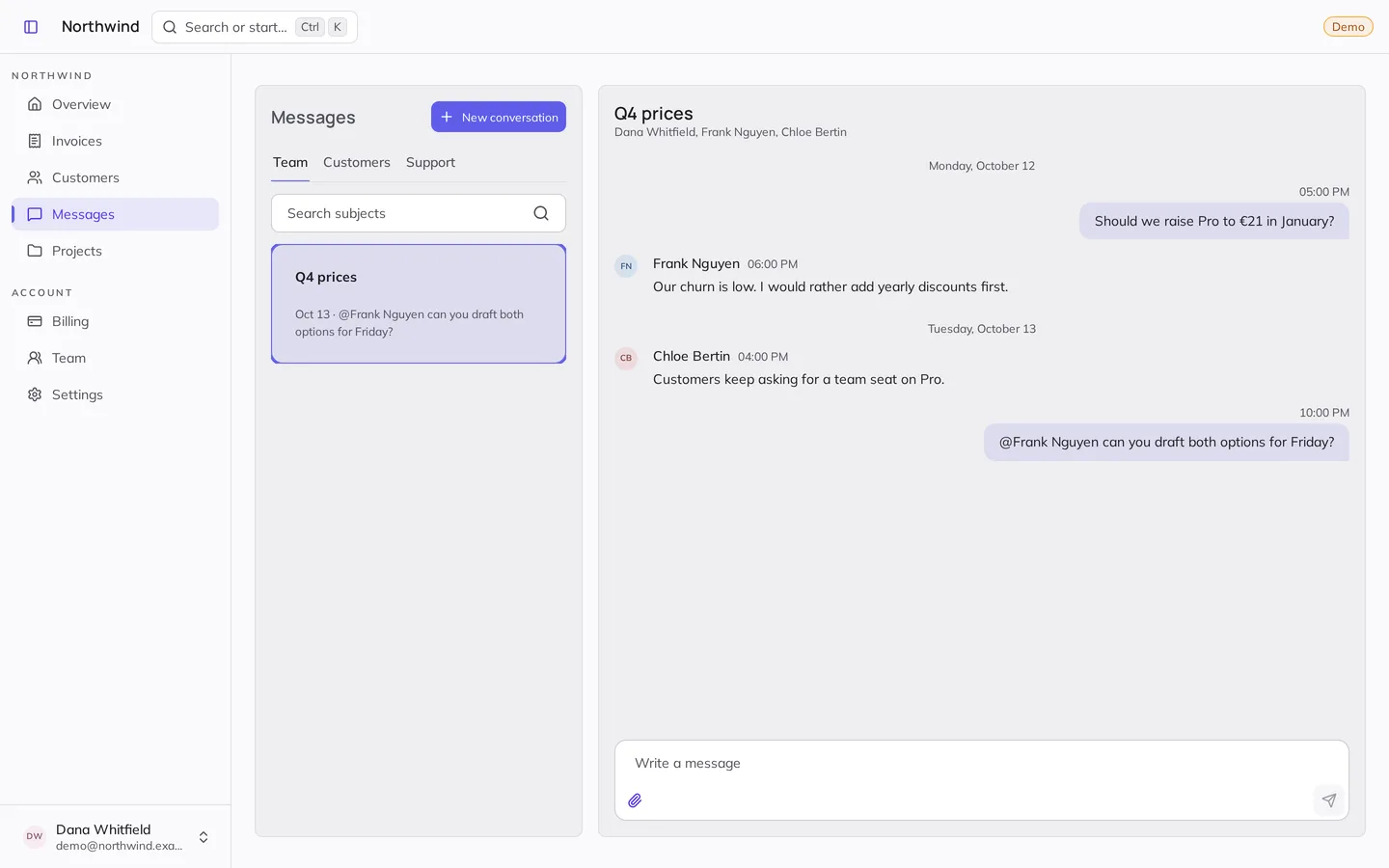 Team threads and support
-
The admin panel: revenue and sign-ups
-
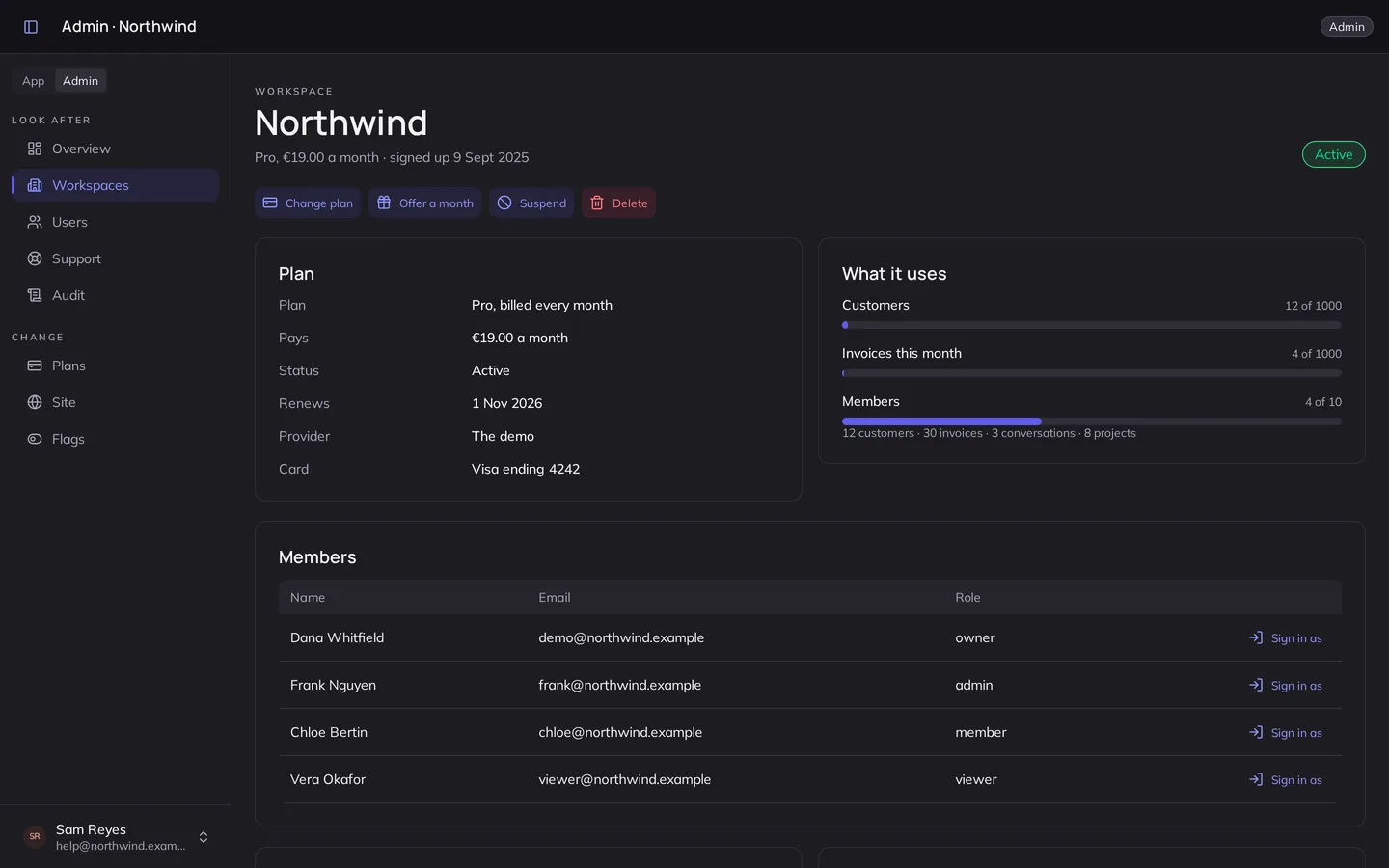
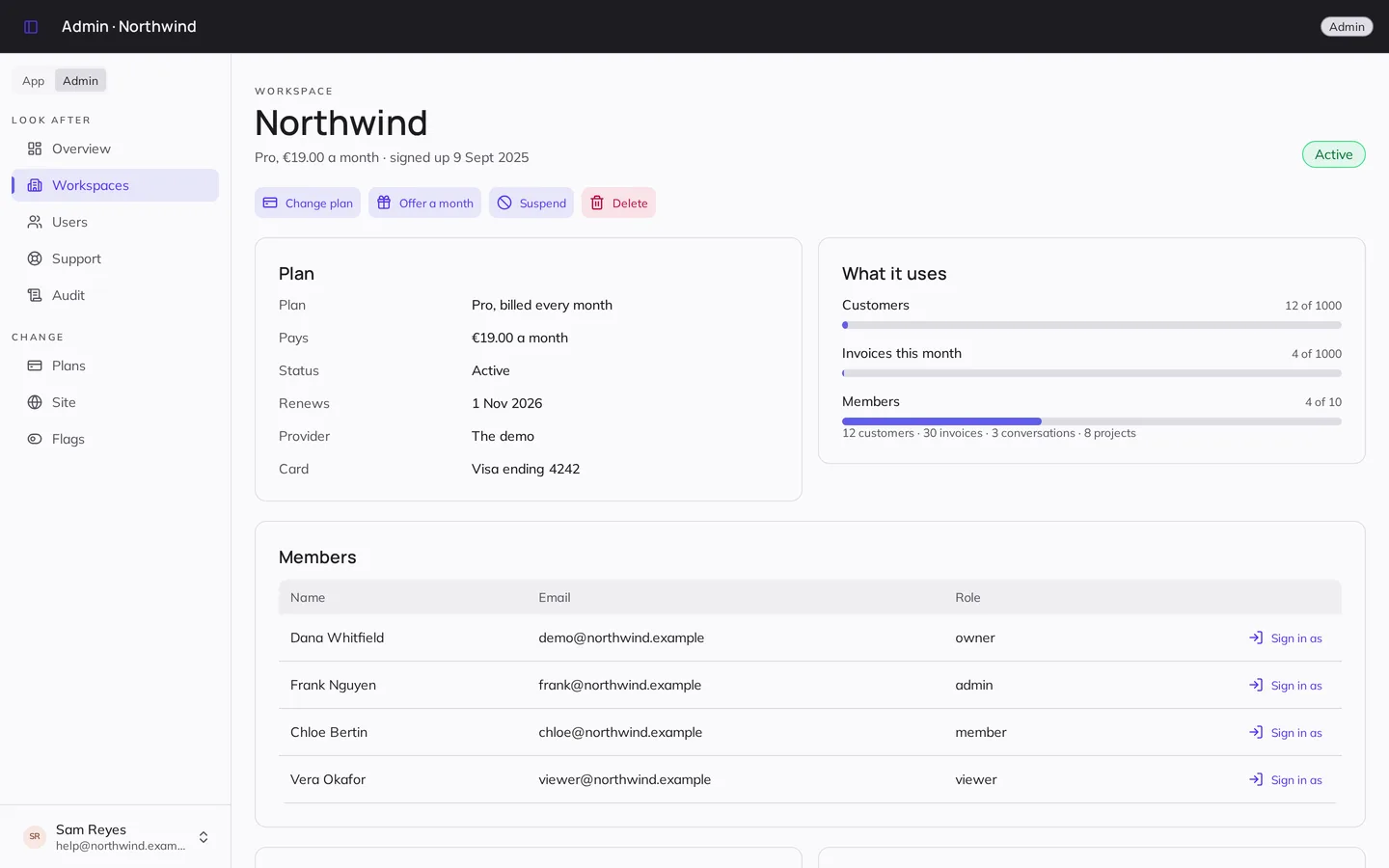 A workspace, seen by its staff
-
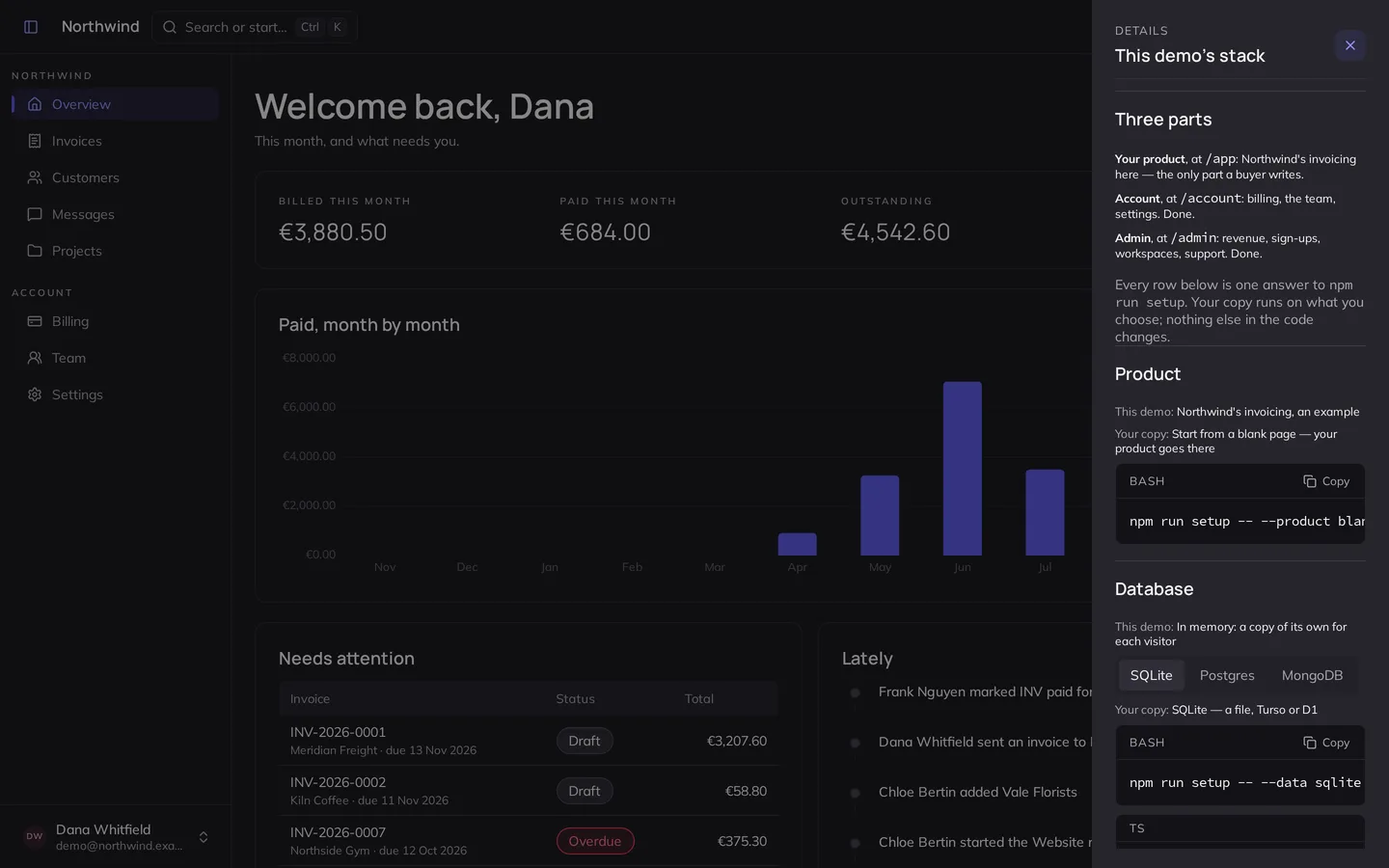
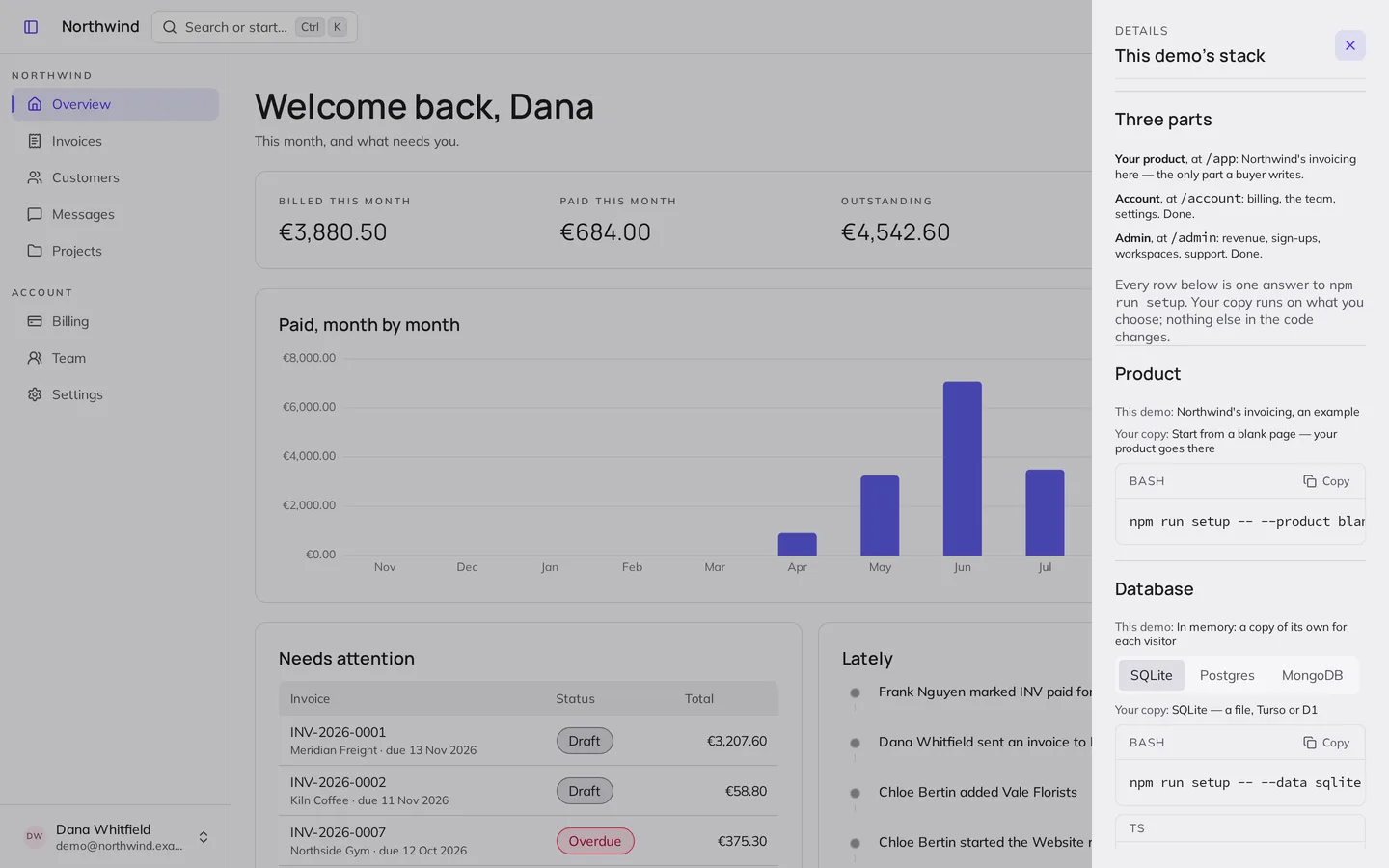 The stack: one answer each
-
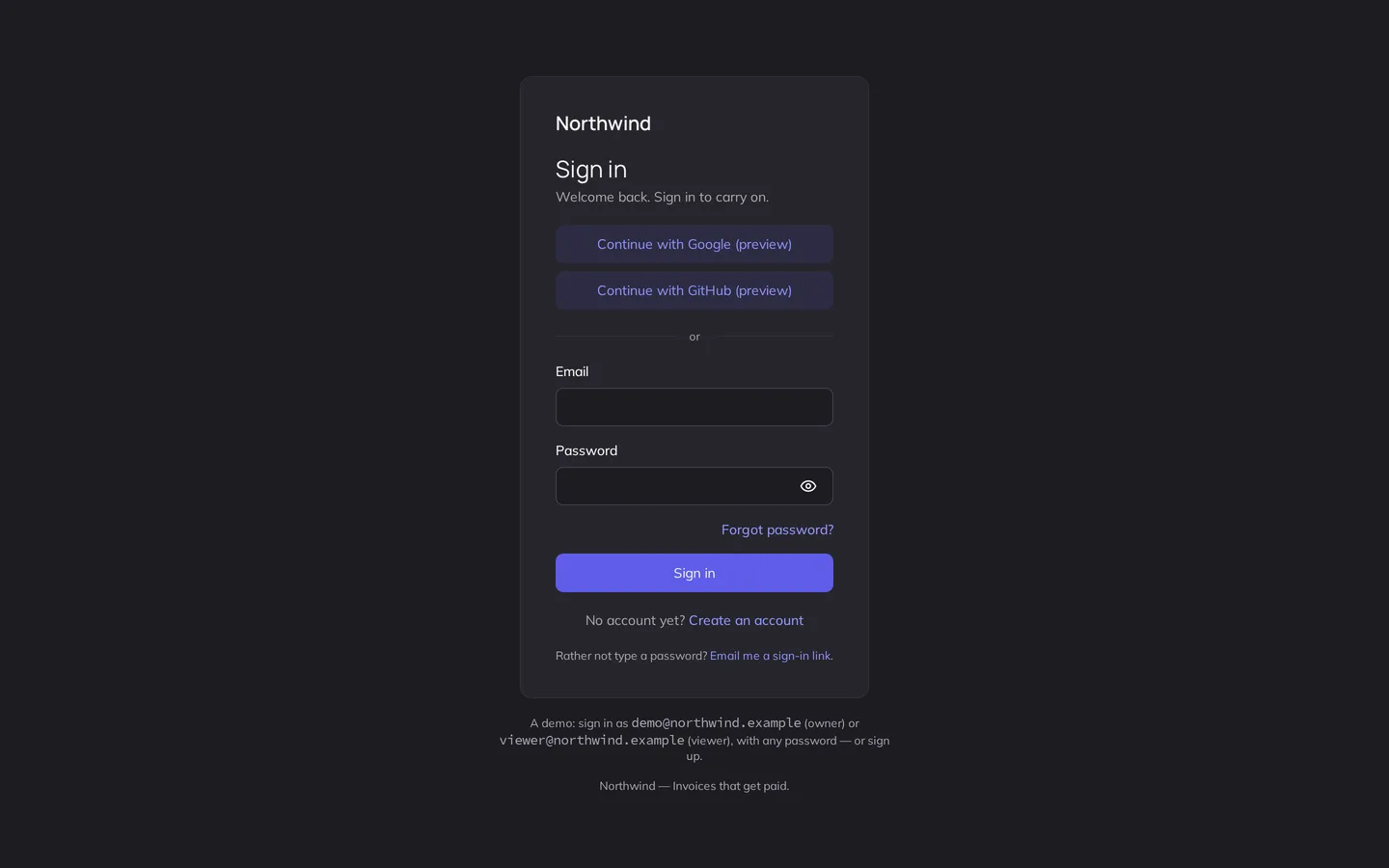
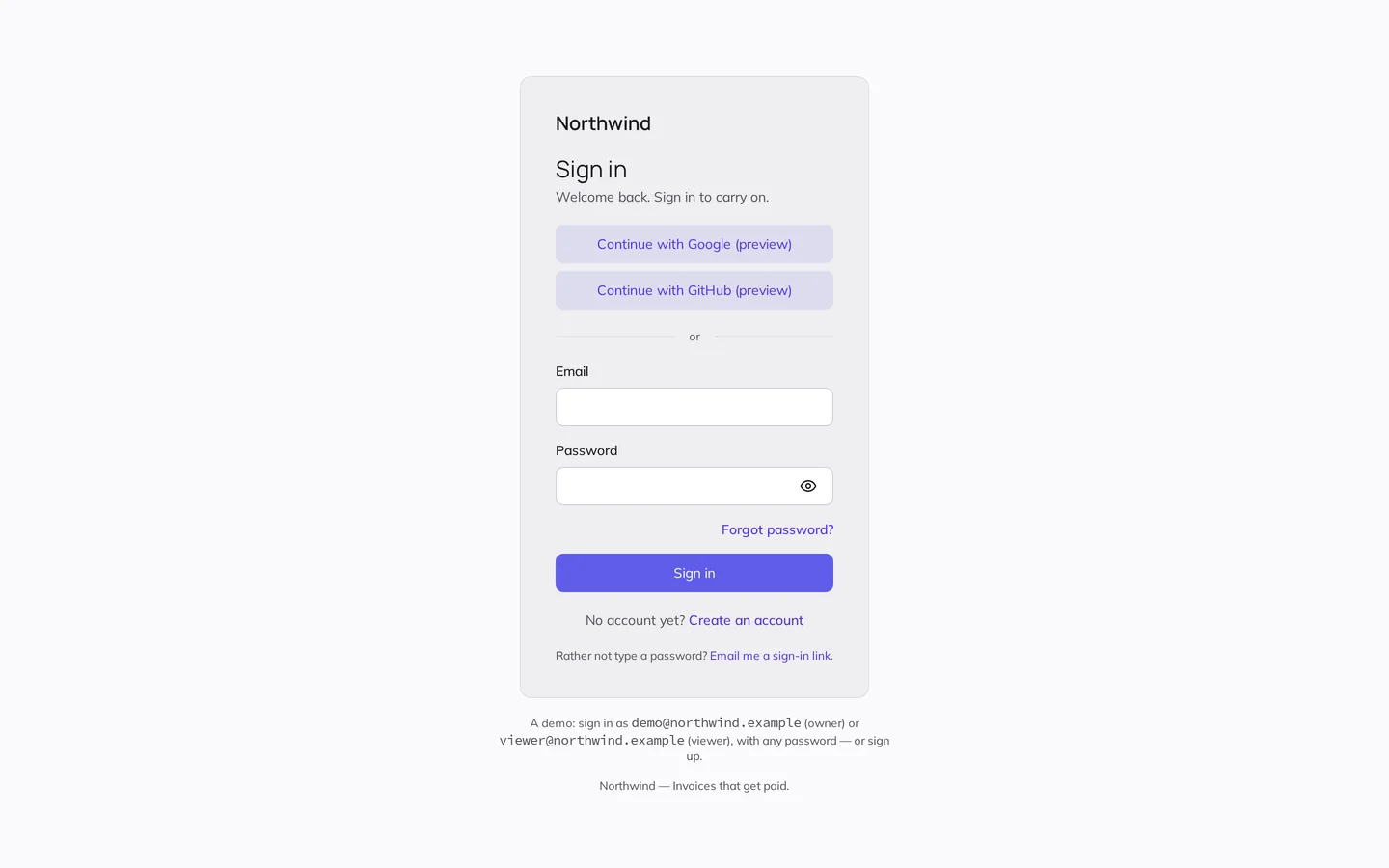 Sign-in, with Google and GitHub
Free, or Pro
| What | Kanto | The SaaS template | Kanto SaaS Pro |
|---|---|---|---|
| Components, themes, accessibility | Yes | Yes | Yes |
| Screens: sign-in, dashboard, settings | — | Yes | Yes |
| Real accounts and sessions | — | Faked | Yes |
| A database, migrations, a data contract | — | Faked | Yes |
| Payments, plans and limits | — | — | Yes |
| Admin panel, audit, flags | — | — | Yes |
| One-command setup, AGENTS.md | — | — | Yes |
| Licence | MIT, free | MIT, free | Paid once |
The free ones stay free: Kanto and the SaaS template, MIT.
Kanto SaaS Pro
€149, once
- The private repository, and every update after
- Every option: three databases, two payment providers, Google and GitHub
- The guides, AGENTS.md, and a test suite on every engine
- As many products of your own as you like
One developer per licence. Build for yourself or a client; do not resell the starter.
Before you buy
Access to the private GitHub repository: a Nuxt app, typed end to end, its tests and its guides. Run npm run setup, answer a few questions, and it becomes your project — with only what you chose, and a fresh history.
Every line. It is a starting point, not a framework you depend on: no runtime of ours, no call home.
Yes, as many of your own as you like, and a product for a client you hand over. What you may not do is resell or publish the starter itself.
One payment gives you the repository for good, updates included. Your project is yours from the setup on: take an update when you want it.
Everything runs on a Node server or in Docker — Render, Fly.io, Railway, a VPS. Vercel and Netlify run it too, with a cron for the emails, but files sent in messages need a server until a storage adapter comes.
Payments go through Polar, which handles the receipt, the VAT and refunds, under its terms.
AGENTS.md tells Claude Code, Cursor or Codex the map, the rules and the checks; docs/your-product.md walks a person through the same, with a worked example.