KANTO DS v1.12.0
Customise

Theme

Accent

Font

Corners

Density

Text size

Reset to Kanto
New Built for AI agents: Claude Code, Cursor and Copilot write it right

Ship the product, not the design system.

80 components for dashboards, admin tools and forms. They work in any framework, read well in both themes, and wear your colours from one line. Free and open source.

Get started Try it live

MIT licensed and free. React, Vue, Angular, Svelte or plain HTML, and ready for your AI agent.

Try a colour
Northwind

Overview

Revenue by month

New invoice

Send invoice

Recent invoices

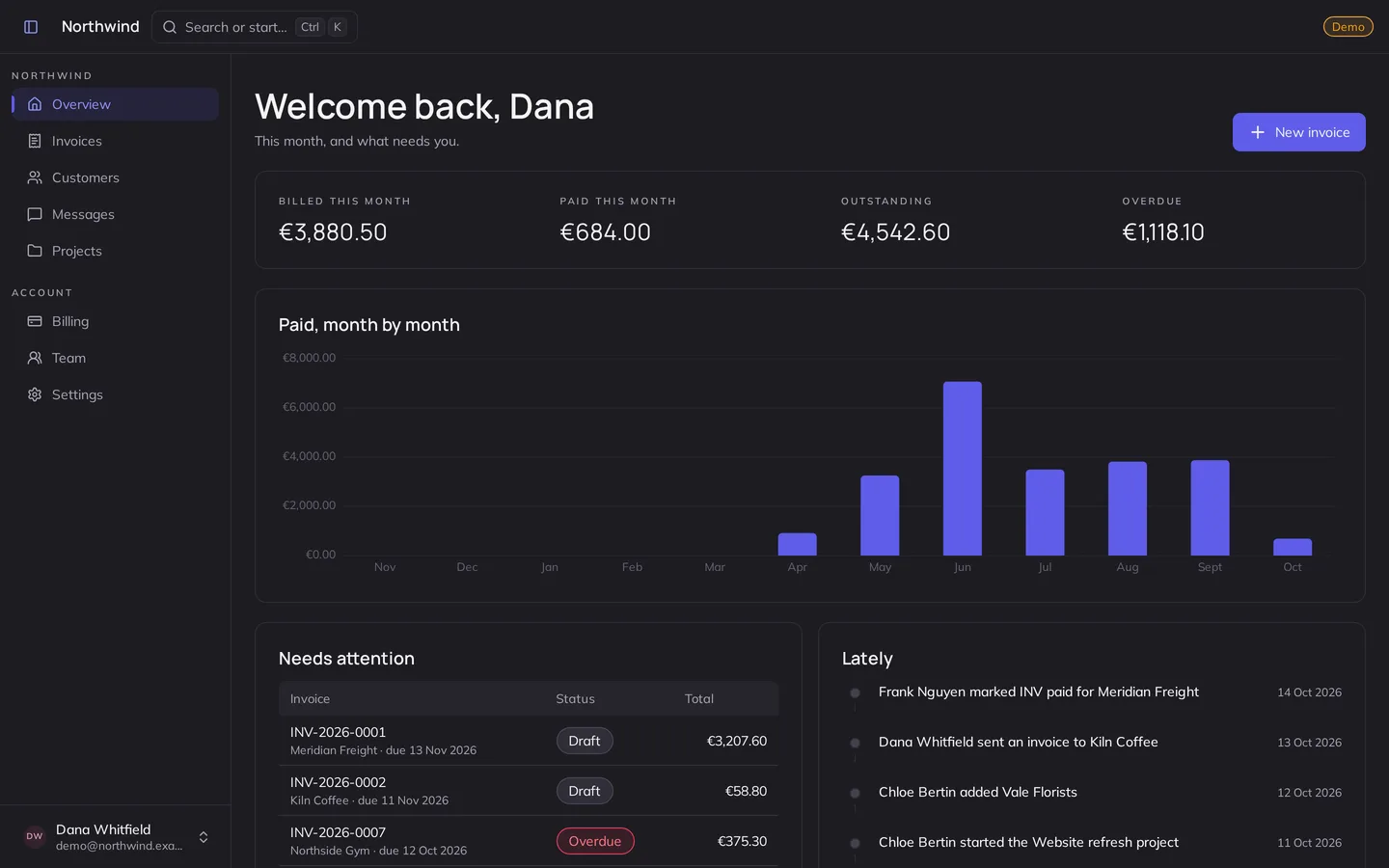
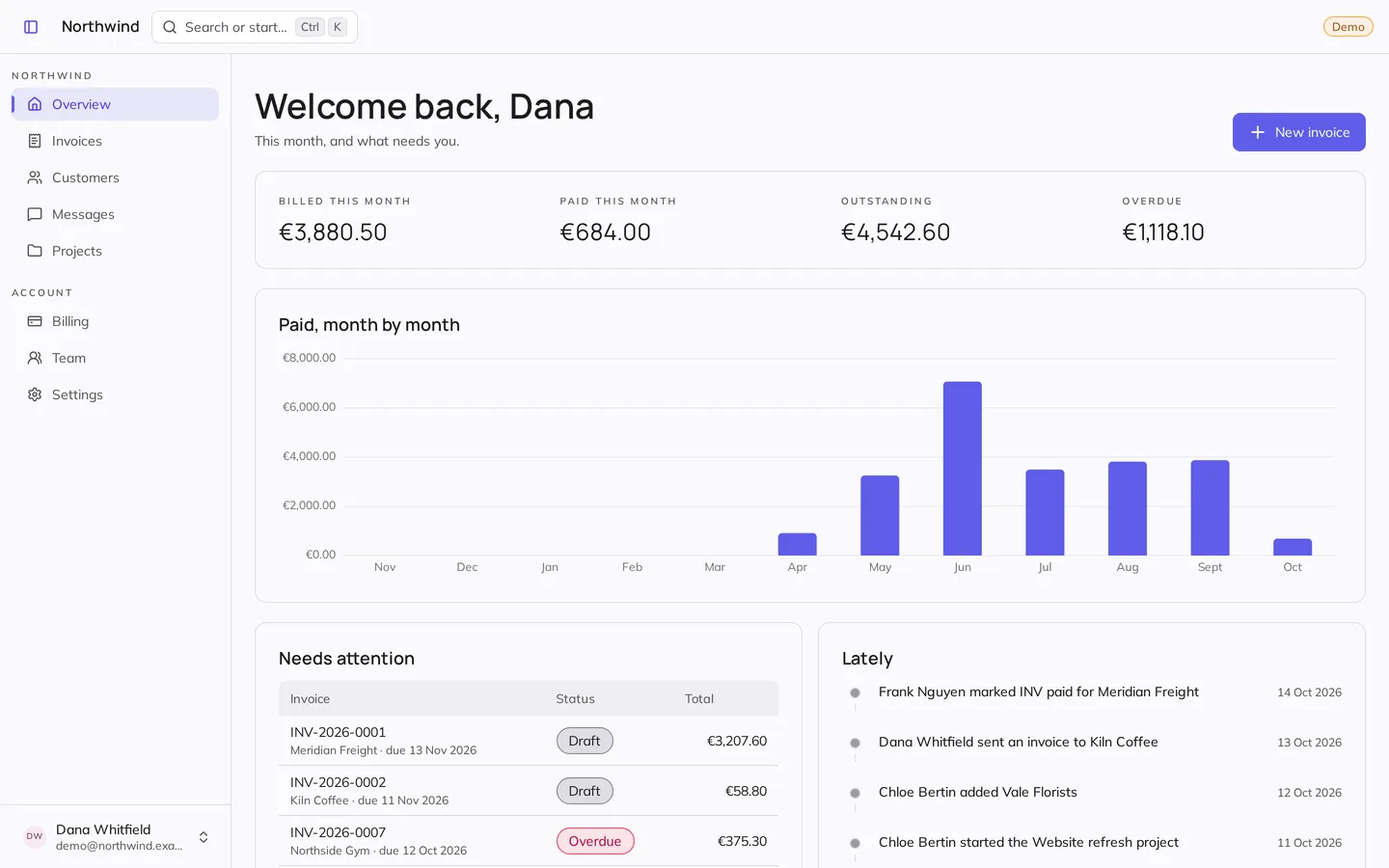
Every part of it is Kanto, live — and the whole console is one click away.

Your AI agent builds with it, right the first time

Kanto ships its own instructions for agents: the rules that make code right, the mistakes they make and the fix, and every component's page. One line points Claude Code, Cursor, Copilot or Codex at them.

CLAUDE.md

@node_modules/kanto-ds/dist/AGENTS.md
Then ask for the screen
Build a settings page with Kanto: a profile form, notification toggles, and a danger zone that asks before deleting the account.

And build the assistant itself

kt-prompt-input and kt-chat-message are the field and the messages of a chat — thinking, streaming and the send button included. Ask this one something.

How did revenue do this month?Revenue reached $48,210, up 12% on last month — three new Team plans did most of it.

What you get on day one

Finished, down to the last frame

Things move only when something changed, and say what it was: a step filling in, a number rolling the way it went, a send button whose plane becomes the spinner and flies off.

  • Motion on the theme’s timing
  • Off under reduced motion
Back Next Send

Yours in one line

Colour, font, corners, density and text size are attributes on the page. Pick them here and the line below is what you paste.

  • Any colour, contrast kept
  • Scoped to a page or a panel
Weekly digest
Cancel Save changes

<html> Kanto as it comes: nothing to write.

Accessible without trying

Every control works from the keyboard and tells a screen reader what it is. Each one is audited by axe in both themes, at every setting, on every release.

  • 4.5:1 text in both themes
  • Keyboard tests per component

Tab through it, Space to choose.

10 minutes before An hour before Invite the whole team

19 everyday screens, all Kanto and all live. Type in them, open the menus — then give them another look from the row above.

Same components, every look

We never share your email.

Open from anywhere with

Transfer funds

Move money between your accounts.

Estimated arrival
Today
Transfer fee
$0.00
Confirm transfer

Report a bug

Help us fix it faster.

Attach file Submit
Set up payouts

Invite your team

Add people to this workspace.

or share a link

Send invites

Visitors

Learn more

Notifications

Choose what we tell you about.

Transaction alerts Security alerts Weekly digest Product news

Savings targets

Milestones for 2026.

Account

Filters

Narrow the listings.

Show 128 homes

Checkout

Schedule a call

We will send an invite to your calendar.

15 minutes 30 minutes An hour
Book the call

Recent orders

  • Acme Corp $1,200 Paid
  • Globex $860 Pending
  • Initech $2,430 Paid
  • Umbrella $310 Overdue

Contributors

Built in the open.

312

Release checklist

Changelog written Tests pass in both themes Announce the release
ShippedIn reviewBlocked

Log in

Use the email you signed up with.

Log in

Upload receipts

PDF or images, 2 MB each.

Start from a template

Whole projects — routed, typed and building — in React, Vue or TypeScript without a framework, each running here. See every template.

And the whole SaaS, server side included

Kanto SaaS Pro is the step after the templates: accounts, teams, plans and billing, an admin panel and your database, in Nuxt, set up in one command. You write only the product. Paid once.

See Kanto SaaS Pro

Works with your stack

Kanto is standard custom elements: the same button in React, Vue, Angular or plain HTML, with typed wrappers where a framework wants them.

import 'kanto-ds'; import 'kanto-ds/styles.css'; export function Save() { return <kt-button variant="primary" onClick={save}>Save changes</kt-button>; }

Before you ask

Yes, with one thing to know: custom elements upgrade in the browser. The server sends the tags; they hold their place, hidden, until the script runs, then draw. Nothing breaks and nothing jumps, but the elements are not in the first paint.

Import it on its own — import 'kanto-ds/components/forms/kt-date-picker' — and your bundler leaves the others out. Each element has a size budget the release checks.

All 80 elements, Lit included, are about 85 kB gzipped as one file from the CDN; a single button is a few kB. Kanto depends on Lit and the icons it draws, nothing else.

Every element is audited by axe in both themes, at every appearance setting, in a real browser, on every release, and its keyboard behaviour has tests of its own. Each component page says what a screen reader hears.

One attribute per setting — data-accent, data-font, data-radius, data-density — or any colour through setAppearance, which keeps every text readable. The example above writes the line for you.

MIT, and nothing. Use it in commercial products, change it, ship it.

Your next screen, in Kanto.

Install it, import it once, and build — in your colours from the first line.

  1. Install npm install kanto-ds
  2. Import it once, at the root import 'kanto-ds'; import 'kanto-ds/styles.css';
  3. Use it <kt-button>Save</kt-button>
Get started Open in StackBlitz No bundler? One script tag.